






An application for reading manga
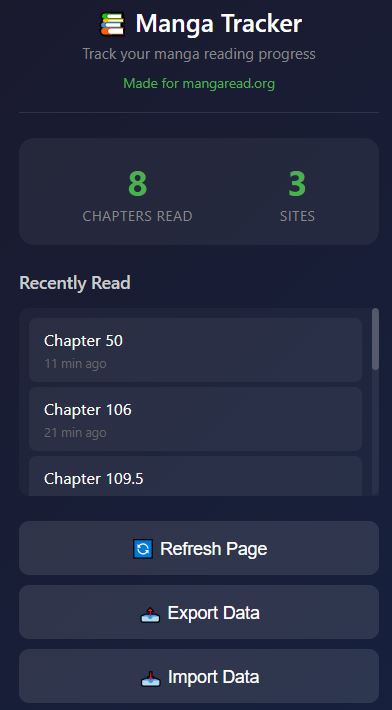
Track your manga reading progress. Read chapters are automatically marked with ✓
All data is stored locally on your computer, and you can easily save and transfer your reading history to other computers.
Made for mangaread.org
—
Installation
Chrome / Edge / Brave / Opera
1. Open browser extensions page:
– Chrome: `chrome://extensions/`
– Edge: `edge://extensions/`
– Brave: `brave://extensions/`
– Opera: `opera://extensions/`
2. Turn on Developer mode
3. Click Load unpacked
4. Select this folder
Firefox
1. Open `about:debugging#/runtime/this-firefox`
2. Click Load Temporary Add-on
3. Select `manifest.json` file
—
How to Use
1. Visit manga website
2. Click on any chapter to read
3. Chapter will be marked as read ✓
4. Click extension icon to see stats and history
—
Buttons
– Refresh Page— re-scan page for read chapters
– Export Data — save backup file
– Import Data — restore from backup
– Clear History — delete all data